
How Sign works
Follow the registration journey: choose a form, enter details, read the rules, give consent and sign. Then see how the records are managed in WordPress.
THE PARTICIPANT VIEW
Show the form. Collect the details.
Give visitors a clear place to enter their details, review the agreement and sign online. This example shows a venue registration form with language and participant options.
Your form wording and agreement belong to your organization. The screen shown here is one example.
Flow
Choose a language and who is registering.
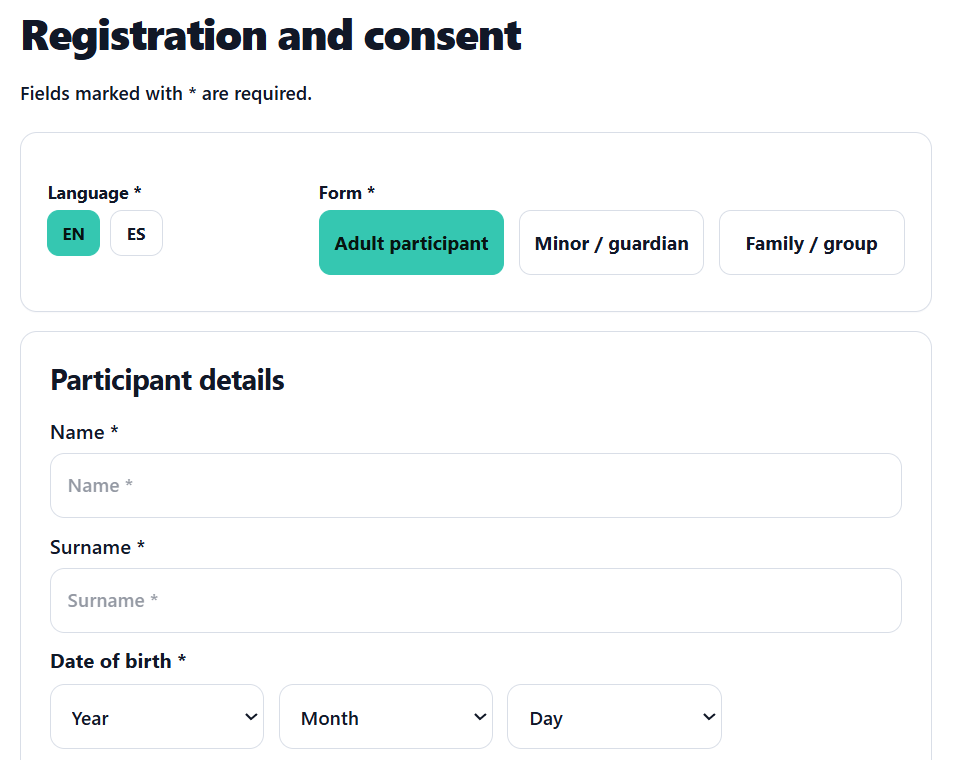
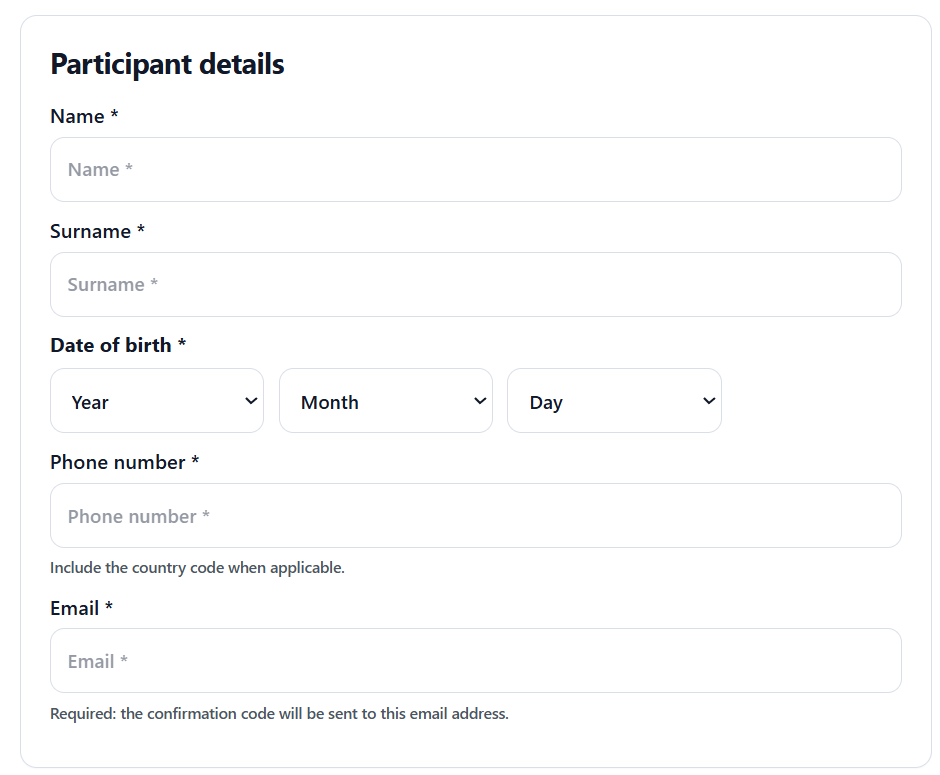
Details
Enter the participant details requested by the form.
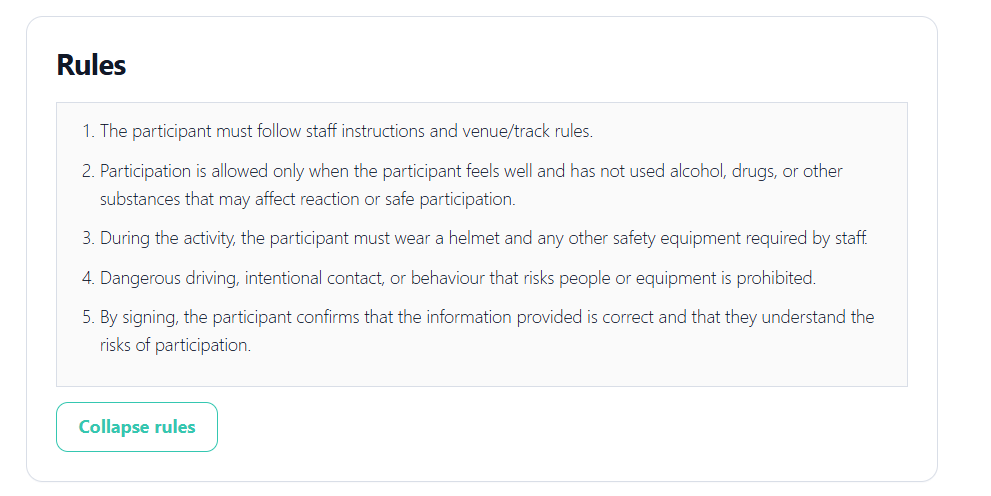
Rules
Read the rules before continuing.
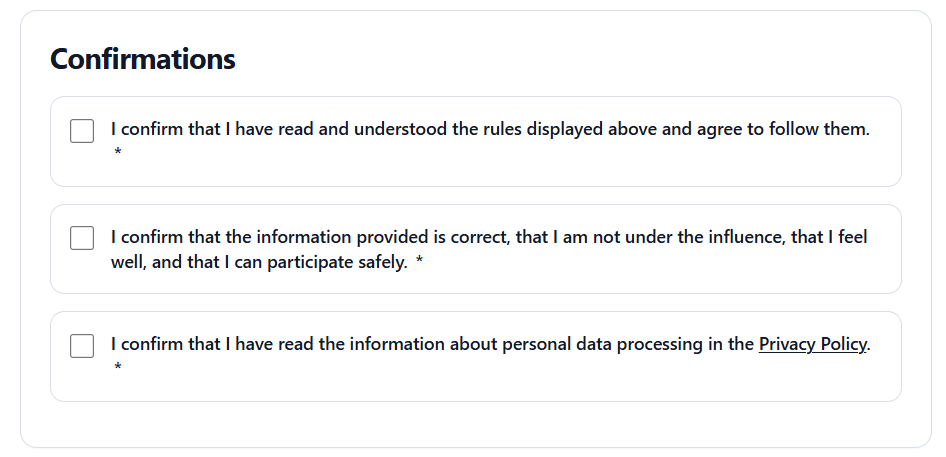
Consent
Review and confirm the required statements.
Sign
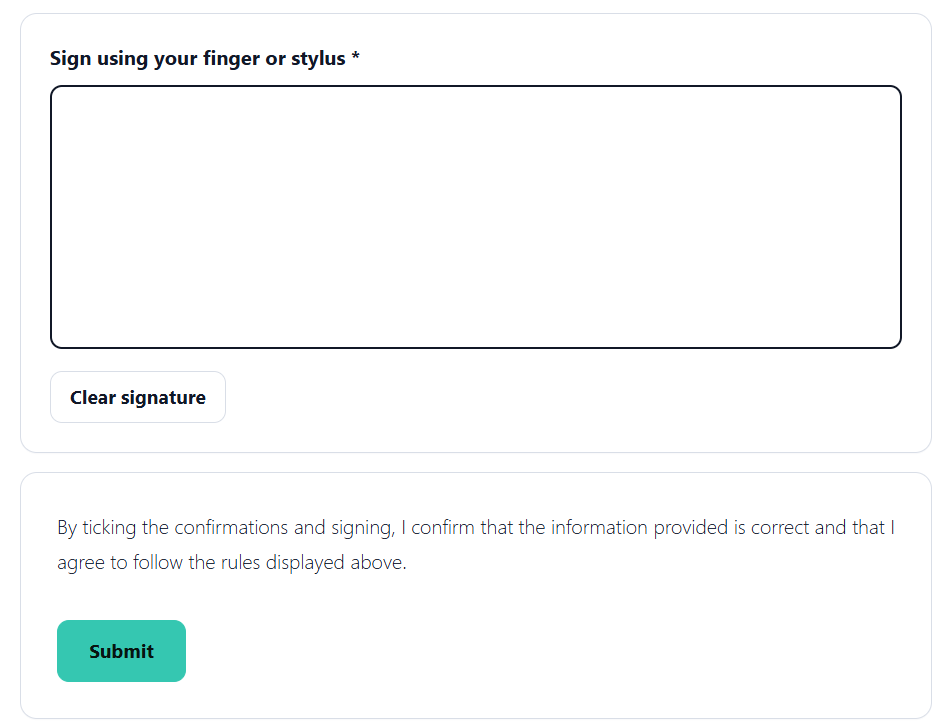
Sign with a finger or stylus.
Admin View.
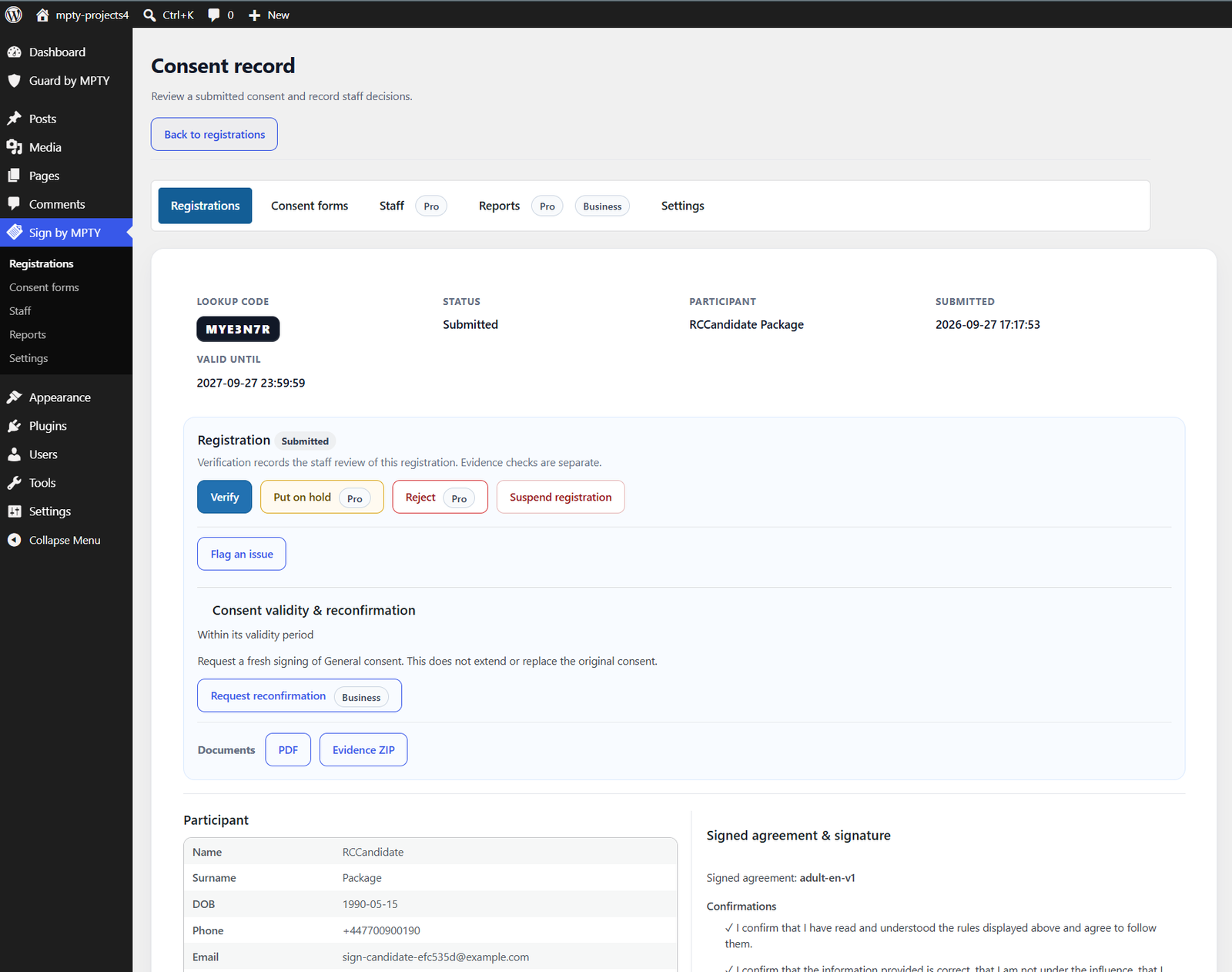
Search registrations and open the associated consent records from the Sign dashboard. Edit forms.
Consent View
Check the consent details
Edit form
Search registrations and narrow the results by consent type or form.
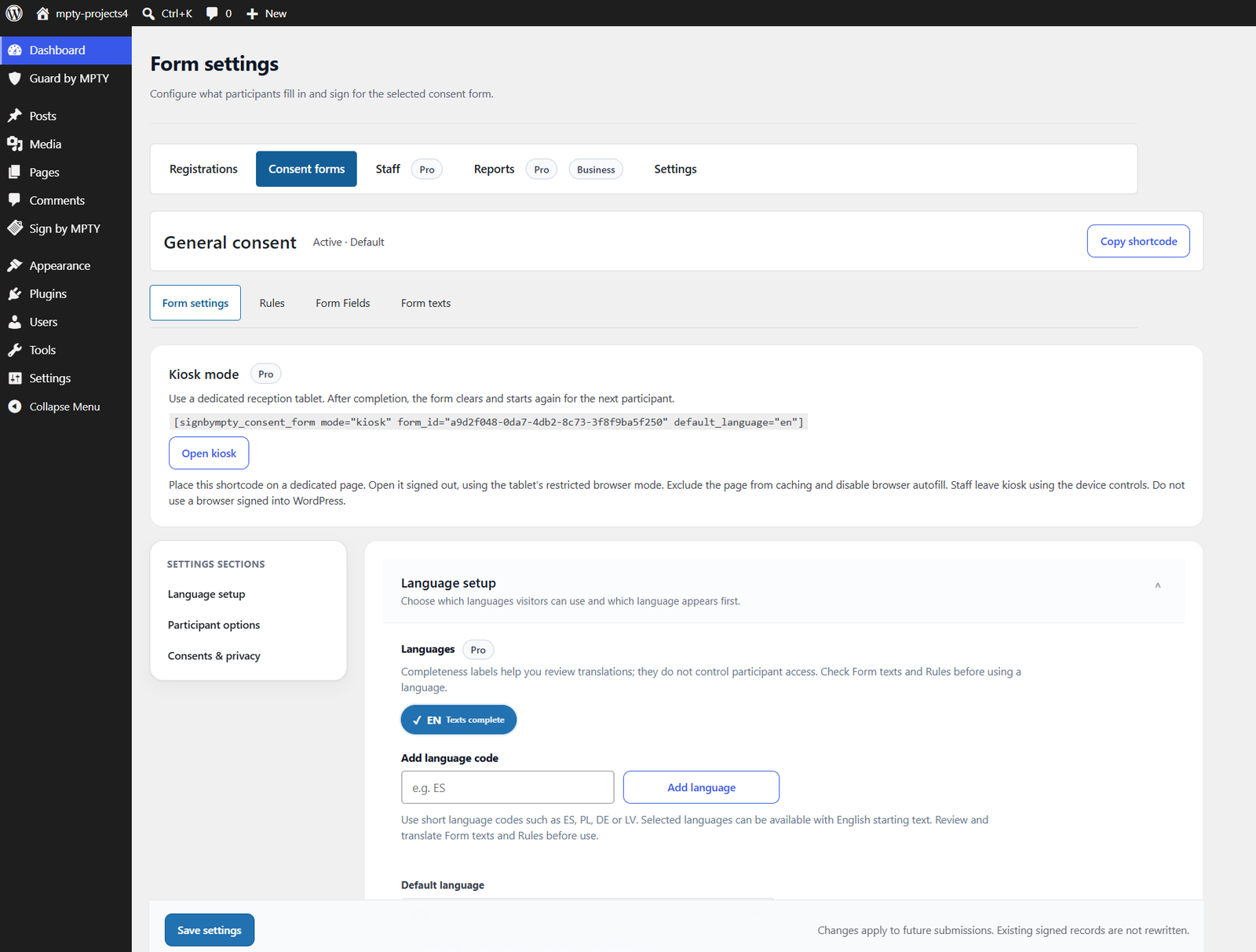
Screens illustrate the product interface. Features vary by edition; see the plan comparison for what is included.